AYNEHA Web Editor
A word processor made for AYNEHA: write, format and export your documents as PDF or images. Lines stay in the right right-to-left order, even when they wrap. Designed for teachers, learners and researchers.
Office software such as Word or LibreOffice scrambles AYNEHA letters as soon as a line wraps. AYNEHA Web Editor solves this: every AYNEHA line is truly written right to left, on screen, in the PDF and in the image.
What it does
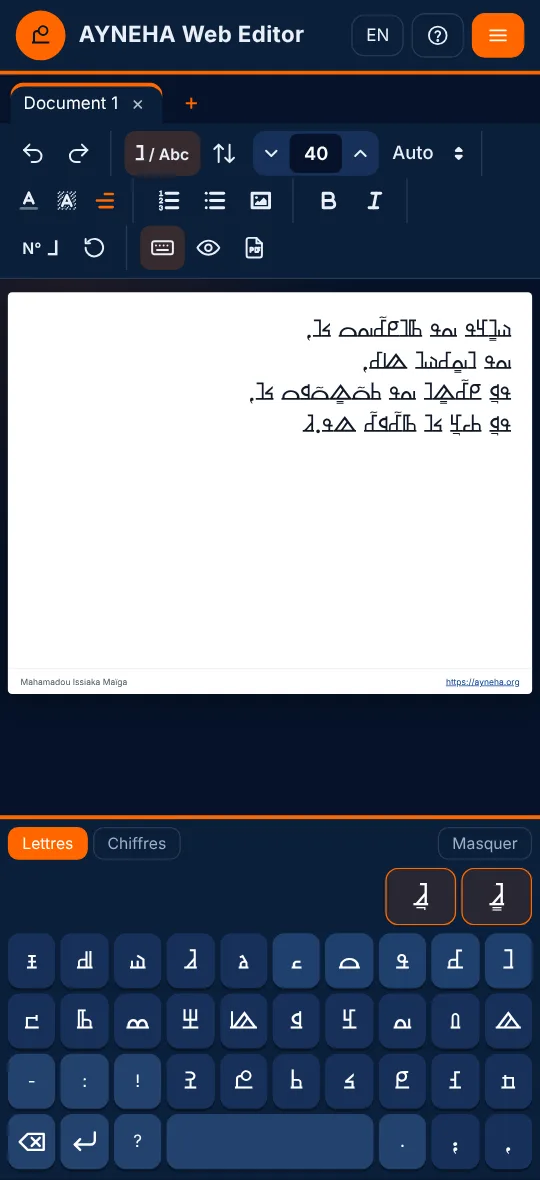
- On-screen AYNEHA keyboard: vowels, consonants, digits, and the variants of each letter (double, nasal, open, mute) in one tap.
- Text pasted from the transcriber: it puts itself in the right order, even the “for WhatsApp / Word” copy.
- Formatting: sizes 12 to 72, colours, highlighting, alignment, lists, verse numbers in AYNEHA digits.
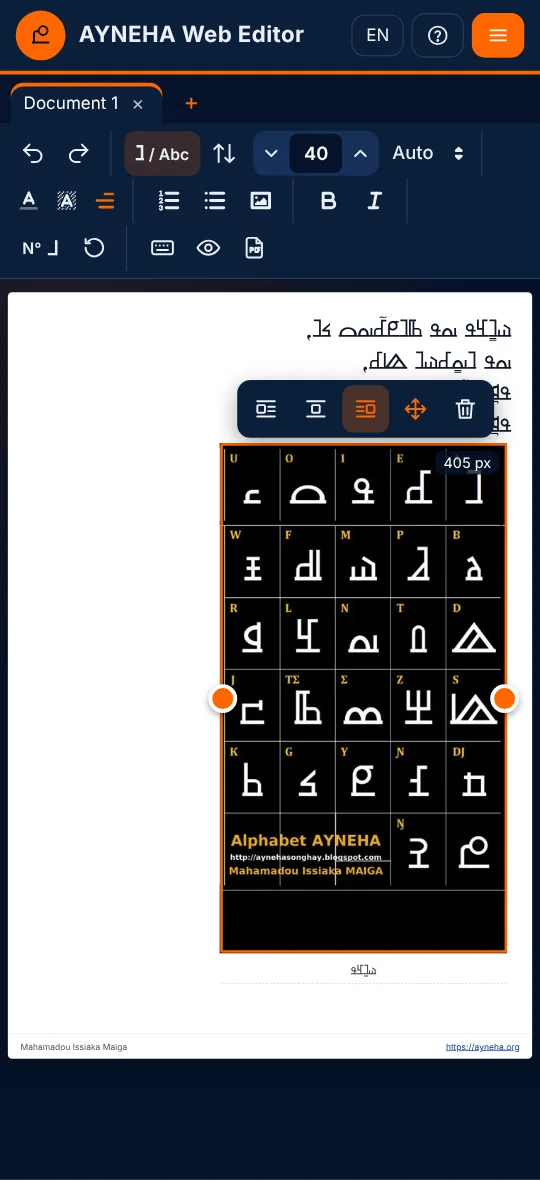
- Images: move them, resize them, place them left, centre or right, with a description in Latin or AYNEHA under each image.
- Two-column dictionaries (AYNEHA-French, AYNEHA-English, AYNEHA-N'ko), sorted by the AYNEHA or Latin alphabetical order.
- Several documents open at once, in tabs.
- A4-sized page: what you see is what comes out in the PDF.
- Your name in the footer on the left, and the site link on the right.
- Automatic backup every 60 seconds, on your device only.
- Full-screen reading mode, and an “Infos+” guide explaining each button.
How to use it
- Tap “Open the editor”.
- Write with the AYNEHA keyboard (keyboard button in the toolbar) or paste text from the transcriber.
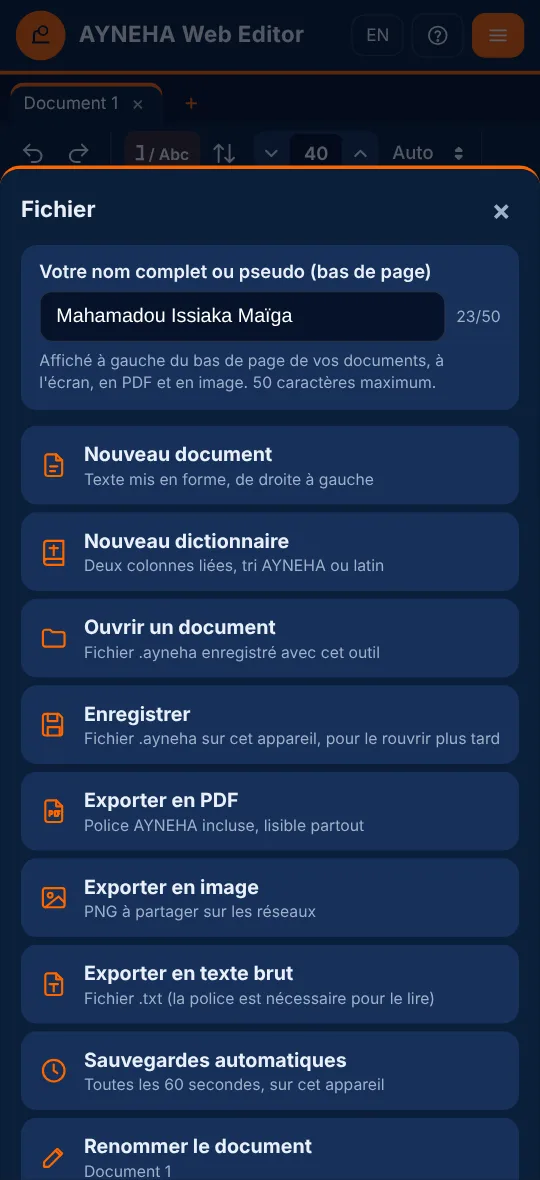
- In the “File” menu, type your name for the footer.
- Export as PDF or image, or save a .ayneha file to resume later.
Install it on your phone
- Open the editor in Chrome.
- Tap the three dots at the top right, then “Add to Home screen”, then “Install”.
- The AYNEHA icon appears on your home screen: the editor opens like an app, even offline.
Screenshots
Tap a screenshot to enlarge it.
Privacy of this tool: nothing you type leaves your device.